RCORE STUDIO PRO 26
Conform, recover and verify production timelines with evidence.
rCore Studio Pro 26 combines conform, relink, proxy-to-RAW recovery, media collection, colour intelligence, verification and customer reports in one controlled RealDepth workflow.
COLOUR INTERLOCK MATCHING
Every decision is built from multiple layers, not a single filename.
The workflow cross-checks timeline context, camera metadata, edit range, source duration, folder identity and visual fingerprint only when normal evidence is not enough.
Timeline frequency
Detects repeated timeline usage without treating it as duplicate media.
Instance identity
Creates an internal virtual map so each duplicate filename points to the correct original.
Trimmed proxy logic
Matches proxy in/out windows against longer RAW sources and confirms the usable range.
Colour and LUT context
Checks LUT references, grade history and recovery signals before final verification.
WORKFLOW
Analyze, match, relink and verify with visible confidence.
Import
Universal Import reads the editorial intent.
DRP, DRA, DRT, XML, FCPXML, AAF and EDL references are normalized into one timeline map before any media operation starts.
- Timeline structure
- Source references
- Clip usage count
- Reel and roll hints
Analyze
Media Scanner builds a searchable source catalogue.
The engine scans selected roots, records camera originals, proxies and offline references, then separates single media sources from repeated timeline instances.
- Filename
- Duration
- Timecode
- Frame rate
- Resolution
- Folder context
Match
Matching Engine uses evidence, not filename alone.
Duplicate names are resolved with duration, source in/out, reel, metadata, folder structure, creation time and visual fingerprint only when required.
- Smart instance mapping
- Duplicate conflict detection
- Virtual identity
- Confidence score
Relink
rCore links only the correct timeline instance.
High confidence links are automated, medium confidence remains a recommendation, and low confidence stays ready for manual confirmation.
- Proxy to RAW
- RAW to RAW
- Folder relink
- Offline recovery
Verify
Verification Center checks the result before delivery.
Timeline, LUT, media, task and report checks produce PDF, HTML, CSV and JSON delivery bundles for operators and customers.
- Timeline compare
- LUT map
- Missing report
- Customer audit bundle
LIVE WEB SIMULATOR
Click through the rCore workflow before opening the desktop app.
This simulator shows how the operator moves from launch to final report. It is safe, browser-only and designed for customer understanding.
STEP 01
Open Workspace
Project Manager prepares the workspace and checks Resolve status.
STEP 02
Import Timeline
Universal Import detects XML, DRT, AAF, EDL and archive references.
STEP 03
Analyze Sources
Media Scanner counts clips, offline media, originals, proxies and missing sources.
STEP 04
Link Roots
Add Root and Link Root search selected folders without changing original media.
STEP 05
Smart Match
Matching Engine resolves duplicates, trimmed proxies and renamed conversions.
STEP 06
Verify Report
Verification Center creates the customer-ready report and delivery bundle.
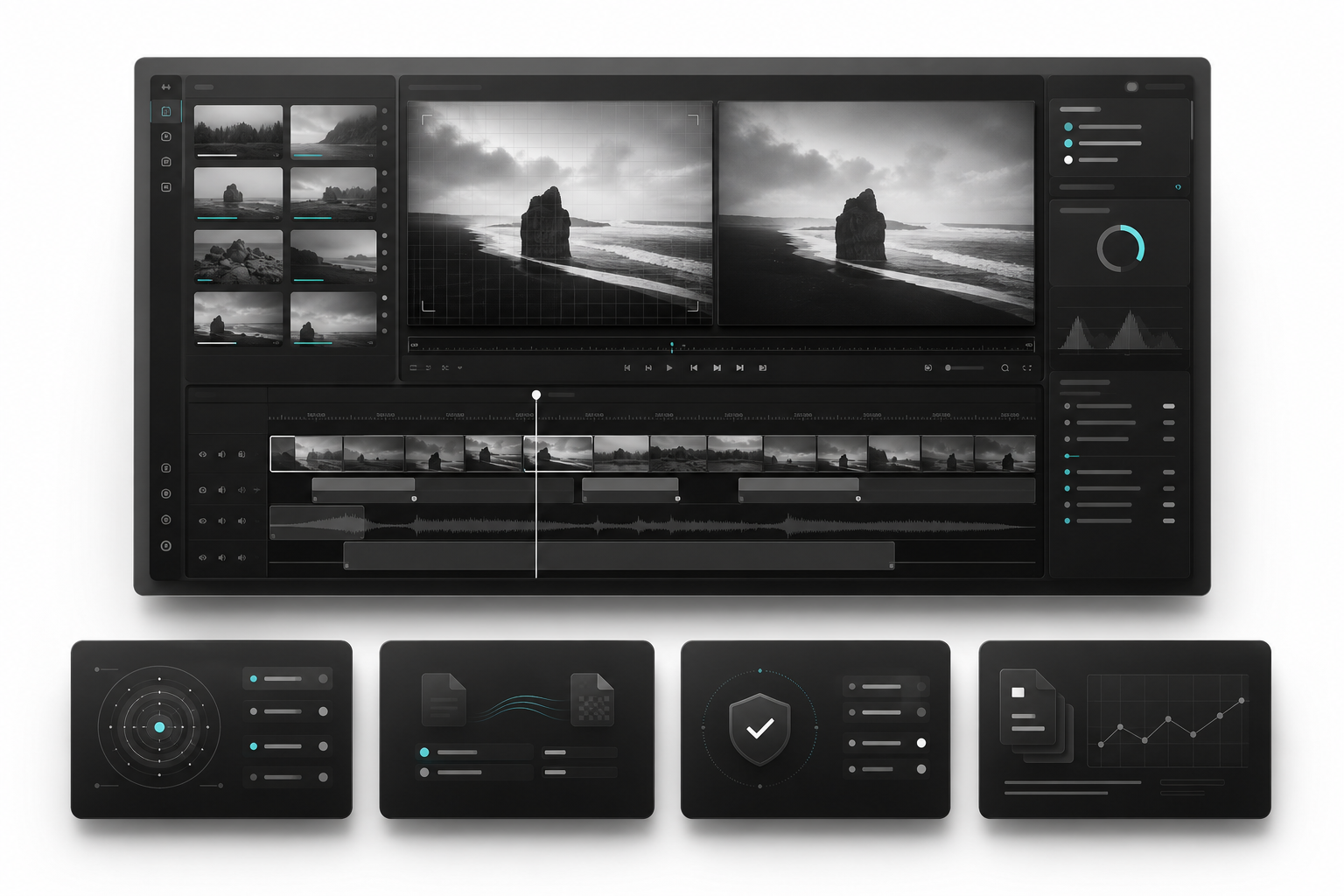
Professional modules, shown in a clean production style.
Black and white Apple-style presentation with the RealDepth logo, restrained accents and precise module widgets that explain how each part is used.

Project Manager
Controls project context, timeline identity, roots and report naming before conform starts.
Universal Import
Imports XML, AAF, EDL, CSV and JSON evidence without forcing one editorial format.
Conform Mode Router
Routes proxy, RAW, R3D, BRAW, DNG, EXR, DPX and TIFF sequence conforms without deleting clips.
RealDepth AI Conform
Scores candidate matches using timecode, metadata, folder and visual evidence.
RealDepth Media Management
Tracks media pools, folder roots, offline files and relink evidence for support.
Media Scanner
Scans media, image sequences, signatures and duplicate filenames before match.
Matching Engine
Combines filename, reel, timecode, duration and metadata confidence into a safe candidate score.
Timeline Intelligence
Reads trims, placeholders and track placement so clips are not removed or collapsed.
Color Clone DNA
Keeps LUT, CDL and look evidence linked to conform decisions.
Look Intelligence / RD AI Grade
Reviews visual and grade context so source replacement still looks correct.
LUT Config & Conform
Connects LUT setup, export status and report notes to the conform trail.
Verification Center
Gives operators a controlled review stage before final Resolve changes are committed.
Report Delivery
Creates PDF, HTML, CSV and JSON proof packages for customers and admin.
Settings
Protected app settings for services, diagnostics, updates and license state.
Automation
Runs background work with visible progress, safe cancel and diagnostic reporting.
RealDepth Connect / Remote Agent
Connects customer device status, app reports and admin support visibility.
RD Intelligent Core
Central decision layer that keeps matching explainable, controlled and customer-safe.
FULL FEATURE LIBRARY
Everything inside rCore Studio Pro 26, grouped by production use.
File DNA is intentionally marked as coming soon here; all other listed rCore Studio Pro 26 capability groups are presented as active workflow areas.
Conform / Relink Features
- Proxy to RAW
- RAW to RAW
- XML / FCPXML / AAF / EDL import
- DRP / DRA project archive import
- DRT to RAW timeline workflow
- Offline Media Recovery
- Folder Relink / Smart Relink
- Batch Conform
- Archive Recovery
- Smart Instance Matching
- Duplicate filename conflict handling
- Virtual identity matching
- AI metadata matching
- Confidence score based matching
Media Management Features
- Source file analyze
- Missing media detection
- Original / Offline source mode
- Add Root / Link Root workflow
- Collect found media
- Copy progress tracking
- Missing file report
- CSV / JSON metadata mapping
- Media Scanner catalog
- Camera original source search
Conversion / Proxy Features
- Conversion Intelligence engine
- Proxy to RAW matching support
- RAW to RAW workflow
- Different filename detection
- Trimmed proxy matching
- Duration-based matching logic
- Format-aware proxy discovery
- Original duration verification
Color / Grade Features
- Color Clone DNA
- Original graded timeline backup
- Target timeline clone workflow
- Grade restore logic
- Node / LUT / CST / OFX / tracking / animation restoration concept
- Look Intelligence
- AI grade assistance
- LUT Intelligence
- LUT Config & Conform
- Missing LUT recovery
Timeline / Verification / Report
- Timeline Intelligence
- Timeline Blueprint
- Timeline Compare
- Timeline Clone / Mirror support
- Timeline Difference Report
- Verification Center
- Verification findings
- PDF / HTML / CSV / JSON reports
- Editorial Metadata Report
- Customer report / audit bundle
License / Cloud / Website
- Cloud License Validation
- License activation
- Device binding
- Machine limit
- Offline grace
- Renewal request
- Admin plan sync
- User dashboard
- Invoice generation
- Reports library
- Downloads / device tracking
FILE DNA MODULES
Coming soon inside the product suite.
These modules stay visible as roadmap items without exposing them as an active rCore Studio Pro 26 workflow today.
- Project DNA
- Scanner
- Asset Intelligence
- Smart Assign
- Live Folder Watch
- Rename DNA
- Persistent Serial
- History and Undo
- Recovery DNA
- Verified Clone DNA
- Health DNA
- Reports DNA
- Settings and Database
- Quality and Release
- Full Suite
DELIVERY
Every conform produces a clear verification trail.
PDF, HTML, CSV and JSON reports can include missing files, linked roots, confidence results, duplicate filename conflicts, conversion/proxy findings, LUT status and customer report metadata.
READY FOR PRODUCTION TEAMS